
Ship
Work on a feature
Describe a feature. An agent builds it and tests it in simulation.
1. Start a session
New session → Robot software. Choose the repo and the sim setup, and write the feature in one line. For the painting robot: "Write UPFREQ on the wall in 40 cm letters, then bring the arm home." Press Start workspace.
2. Let the agent work
The agent gets its own isolated workspace and branch. In this session it:
- reads the painting robot's interface
- plans each letter as strokes on the wall
- writes the code and 14 tests, builds and runs them
- runs it against the live simulation and reports each letter as it's painted
Write UPFREQ on the wall
Software·Running· upfreq-robotics/painting-robot ·upfreq/write-upfreq-7c212 ahead · Painting robot at the paint wall
Stop sim Create PR
SimChanges 3ChecksLogs
Simulationhttp://localhost:5173/
Data Foxglove
The tabs
| Sim | The live simulation |
| Data | What the robot sees and publishes |
| Changes | The code the agent changed |
| Checks | Pull request and CI |
| Logs | Everything else |
Run several at once
Start more sessions for more features. Each has its own workspace, branch and ROS domain, so they never clash. One session at a time holds the live simulation; the others work on code and tests. To move the sim, open a session and press Run this session's sim here.
Painting robot · 4 agents
Sessions · each with its own workspace, branch and ROS domain
1 PR open
RTX 30609.4 / 12 GB · live sim 1/1 · workspaces 4/8
■ live sim■ code-only agents■ free
Write UPFREQ on the wall
upfreq/write-upfreq-7c21
Running in the live sim
Painting letter 4 of 6
own workspacedomain 7
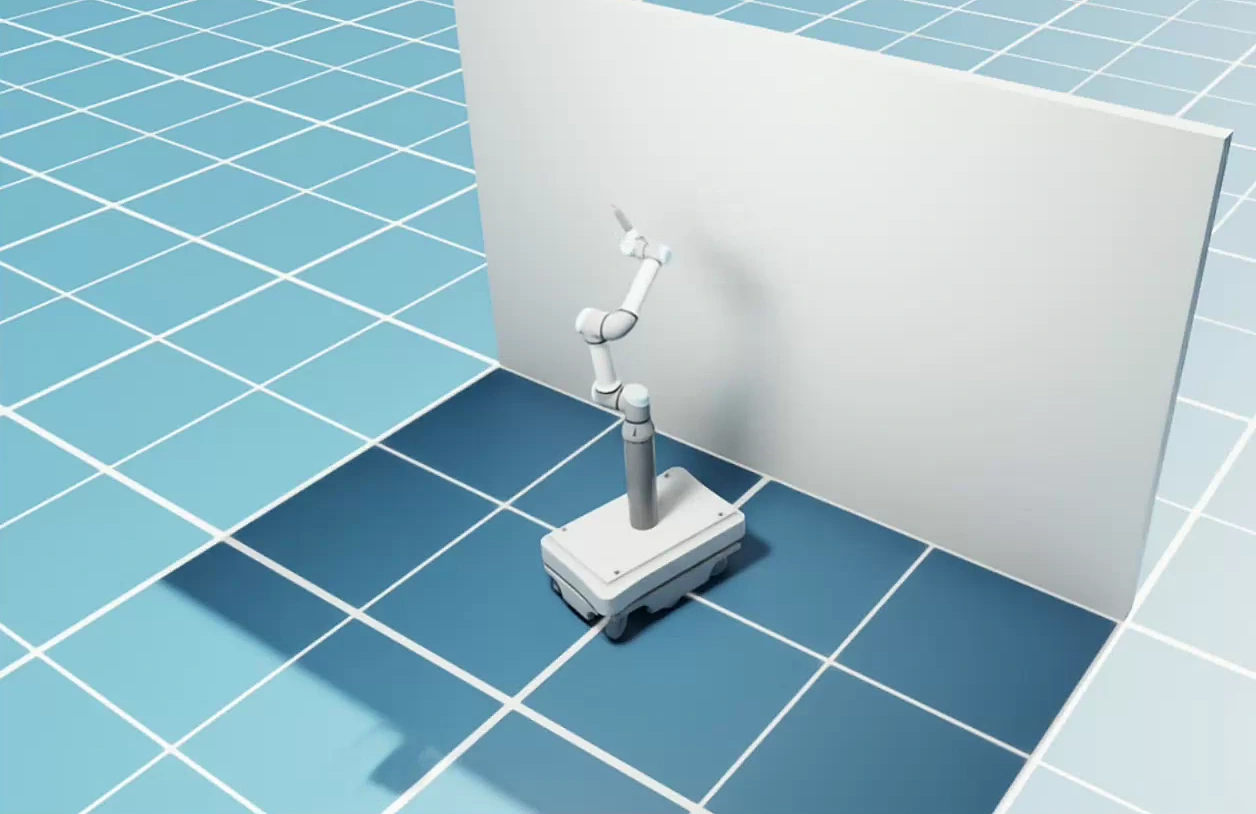 LIVE SIM
Paint a straight stripe
upfreq/paint-stripe-41b0
12 tests passed
Ready for review
own workspacedomain 12
Stop for people near the wall
upfreq/stop-for-people-5d02
Writing code
Adding a lidar safety stop
own workspacedomain 23
Return to dock
upfreq/return-to-dock-9e3a
CI running
Pull request #14 open
own workspacedomain 31
Close Upfreq whenever you like. When you come back, Resume workspace picks up the same conversation.