
Build
Sim worlds
Describe a space, or drop pictures, a video or a 3D model. The agent lays it out and checks it.
A sim world is the place your twin works in: a room or a site, its objects, the people in it and where robots start. You make one in a world session, with your AI agent.
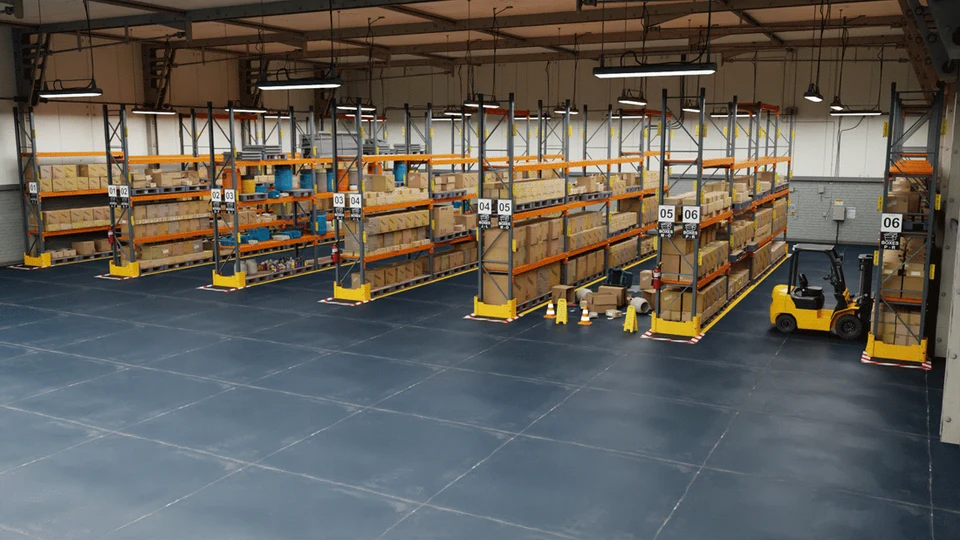
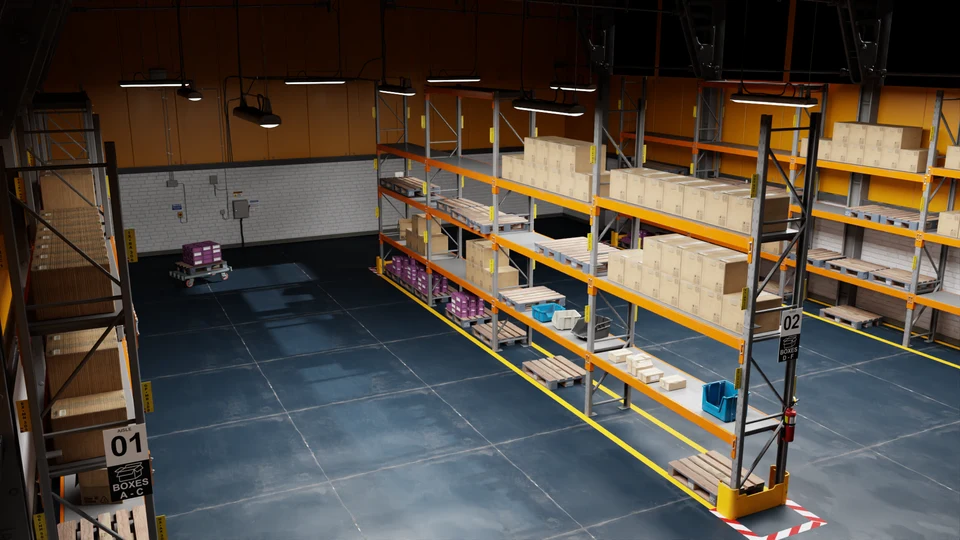
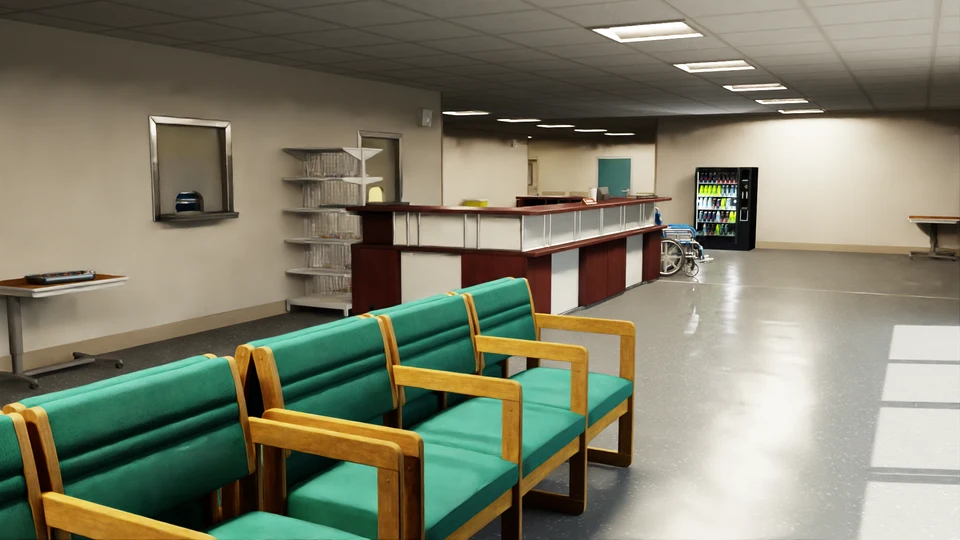
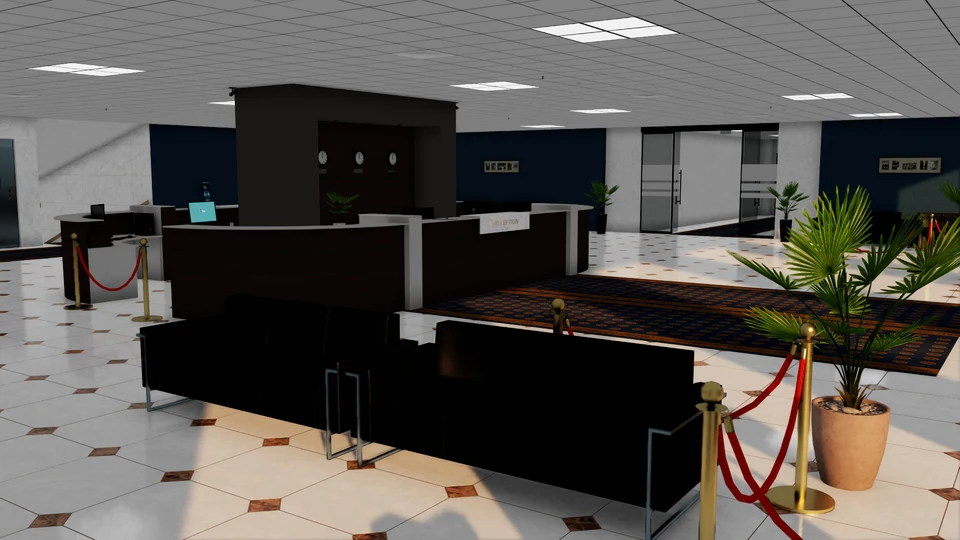

Start a world session
Click New session and tell the agent you are making a sim world. Then describe the space, or drop pictures, a video or a 3D model of it.
"A 30 by 10 metre textile mill: two rows of machines with a 2 m aisle between them, a worker walking the aisle, and a dock at each end."
What the agent lays out
- the room: floor, walls and its size;
- its objects, where you said they go;
- people walking, along the paths people take;
- spawn points, where a twin starts.
Then the agent checks the world: spawn points are free, nothing overlaps or floats, every spawn point can be reached and people's paths are clear. Ask for any change in plain language and the agent checks it again.
Interactive objects
Objects can do things:
- a button a robot can press;
- a machine your software controls over ROS 2, for example a coffee machine that brews when it gets a command.
Your robot software talks to them the same way it would talk to the real thing.
Save it
Press Save to commit and push the world to your assets repository. Saved worlds appear on Assets, ready to use for robot software.